 Ilango
537aa51ef8
Ilango
537aa51ef8
* Add ability to enable/disable which variables can be overriden during external predictions

* Remove duplicated code

* Remove rate limit and allowed domains tab from chatflow configuration

* Show tooltip in api code dialog for override config properties

* Fix server crash when override config is not available

* update UI for chatflow config security, file upload

* Fix UI issues in security tab of chatflow configuration dialog

* Fix override config options not updating when nodes change

* Fix crash in api code dialog when overrideConfig is not available for a chatflow/agentflow. Also fix input config in api code dialog not updating when nodes change.

* Refactor override config and add override config for variables

* Update api code dialog - update how override config is read and show variable overrides

* Update how node and variable overrides are read and resolved

* Prevent api code dialog mounting on page load and only mount when api code dialog button is clicked. this should fix loading incorrect data.

* Fix variables list not showing when overrideConfig is not available

* add overrideconfig to agentflow and upsert vector

* temporarily removed enable overrideconfig on upsert, fix linting issues

---------

Co-authored-by: Henry <hzj94@hotmail.com>
Flowise - Low-Code LLM apps builder
English | 中文
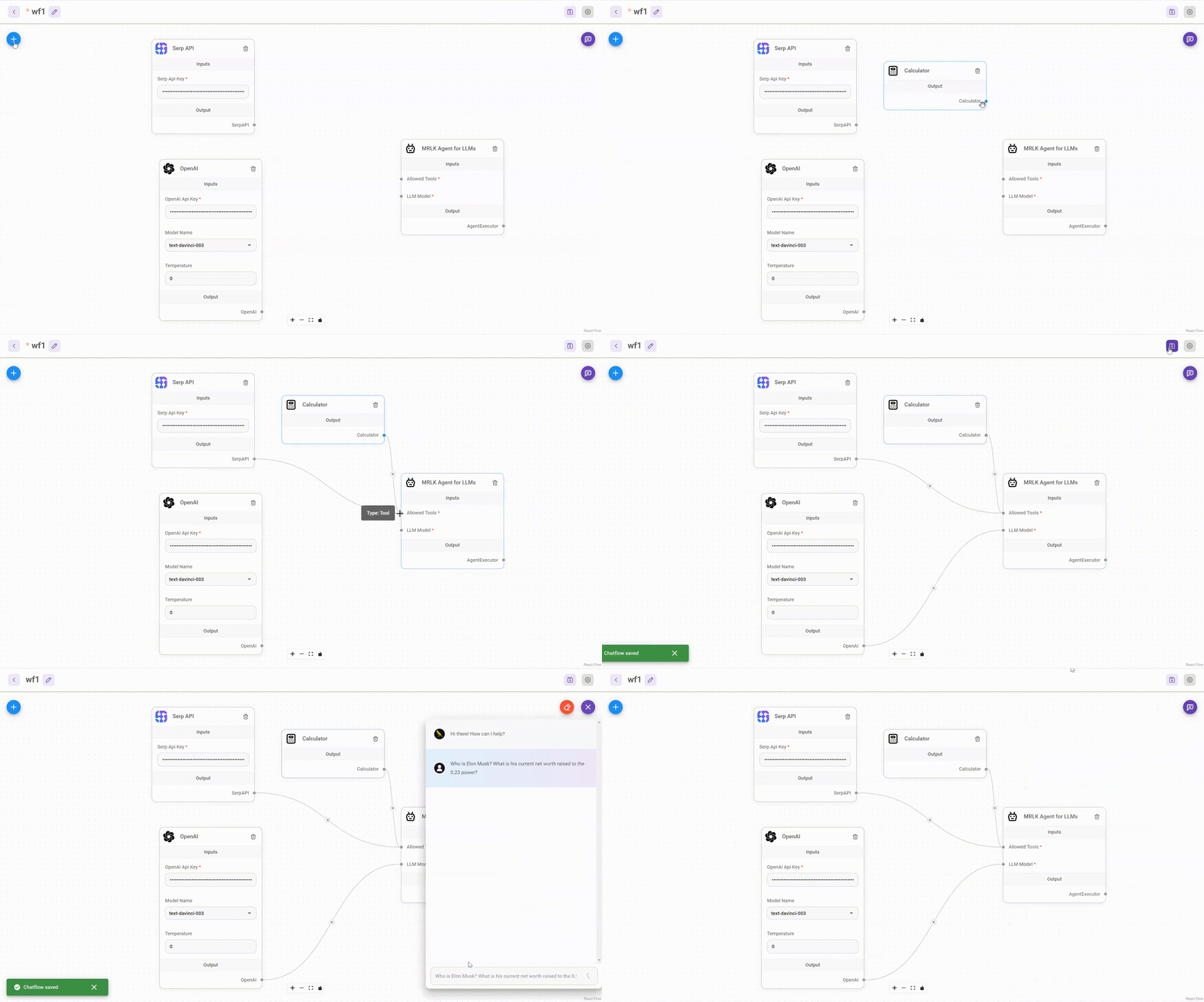
Drag & drop UI to build your customized LLM flow
⚡Quick Start
-
Install Flowise
npm install -g flowise -
Start Flowise
npx flowise start
🔒 Authentication
To enable app level authentication, add FLOWISE_USERNAME and FLOWISE_PASSWORD to the .env file:
FLOWISE_USERNAME=user
FLOWISE_PASSWORD=1234
🌱 Env Variables
Flowise support different environment variables to configure your instance. You can specify the following variables in the .env file inside packages/server folder. Read more
You can also specify the env variables when using npx. For example:
npx flowise start --PORT=3000 --DEBUG=true
📖 Tests
We use Cypress for our e2e testing. If you want to run the test suite in dev mode please follow this guide:
cd Flowise/packages/server
pnpm install
./node_modules/.bin/cypress install
pnpm build
#Only for writting new tests on local dev -> pnpm run cypress:open
pnpm run e2e
📖 Documentation
🌐 Self Host






☁️ Flowise Cloud
Get Started with Flowise Cloud
🙋 Support
Feel free to ask any questions, raise problems, and request new features in discussion
🙌 Contributing
See contributing guide. Reach out to us at Discord if you have any questions or issues.
📄 License
Source code in this repository is made available under the Apache License Version 2.0.